
Classroom name picker
Put the roster on the wheel. Spin the wheel to choose who answers, who presents, or who picks the next activity. Remove a winner after each turn so every student appears once before the list repeats.
Add names or options, then spin the wheel to pick one at random. This free online spin the wheel runs in the browser. The list stays local unless you save or publish.
A spin the wheel is a random picker the room can watch. Each name, prize, or choice becomes a slice. Before you click, everyone can see how big each slice is. When you click, your browser picks the winner first, then the wheel turns to that slice, so nobody can swap the result while it is spinning. People also look for it as a wheel spinner, random wheel, or wheel of names. Spin again with the same list, or remove the winner and keep going with who is left.
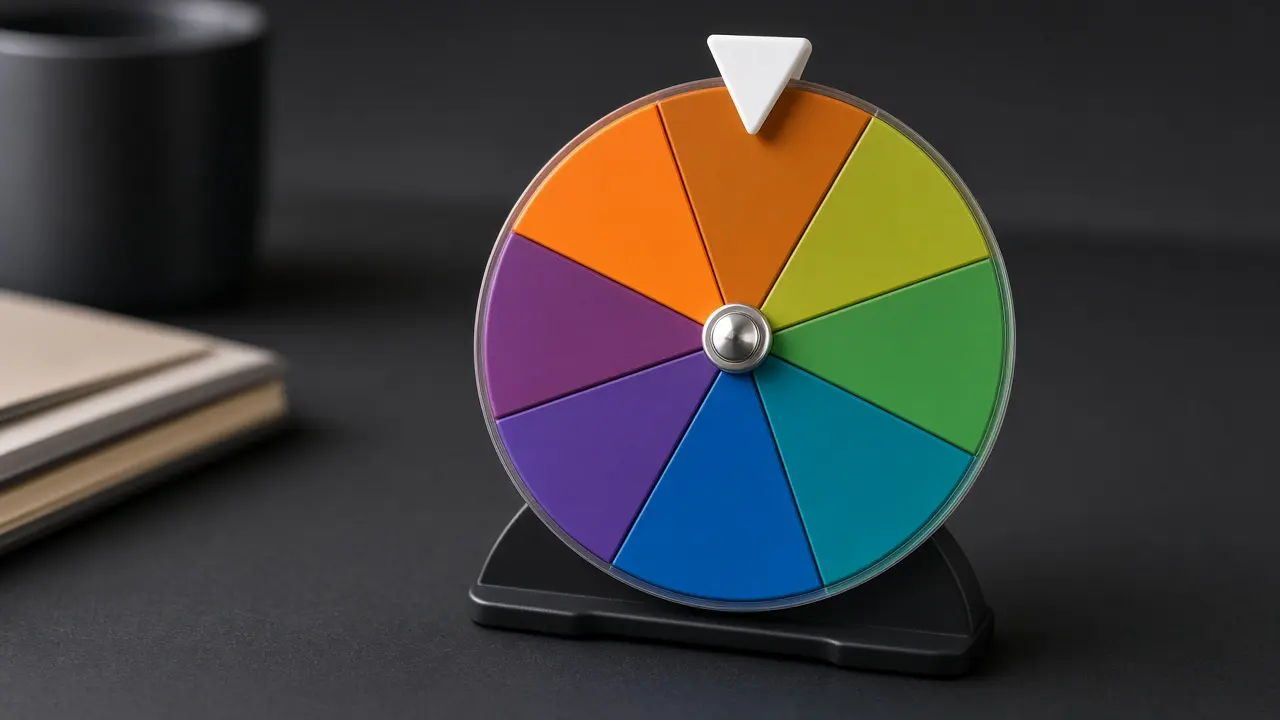

Type or paste one option per line in the entries box. Names, tasks, foods, and prizes all work.
Click the wheel to spin it. Open Customize if you want different colors, sounds, or spin time.
Read the winner when the card appears. Spin again, remove that winner, or hide it for this round.

Put the roster on the wheel. Spin the wheel to choose who answers, who presents, or who picks the next activity. Remove a winner after each turn so every student appears once before the list repeats.
Paste commenters, ticket numbers, or emails. Spin the wheel once on a shared screen so the room can watch the draw. Keep the full list visible so the result is easy to check.
Add dinner ideas, movie titles, or chores. Spin the wheel once when a group cannot agree. Everyone sees the same result, and the debate can stop.
Load dares, prompts, or player names. Spin the wheel to set the order or the next challenge. Shuffle first if you want the slices in a new order before the spin.
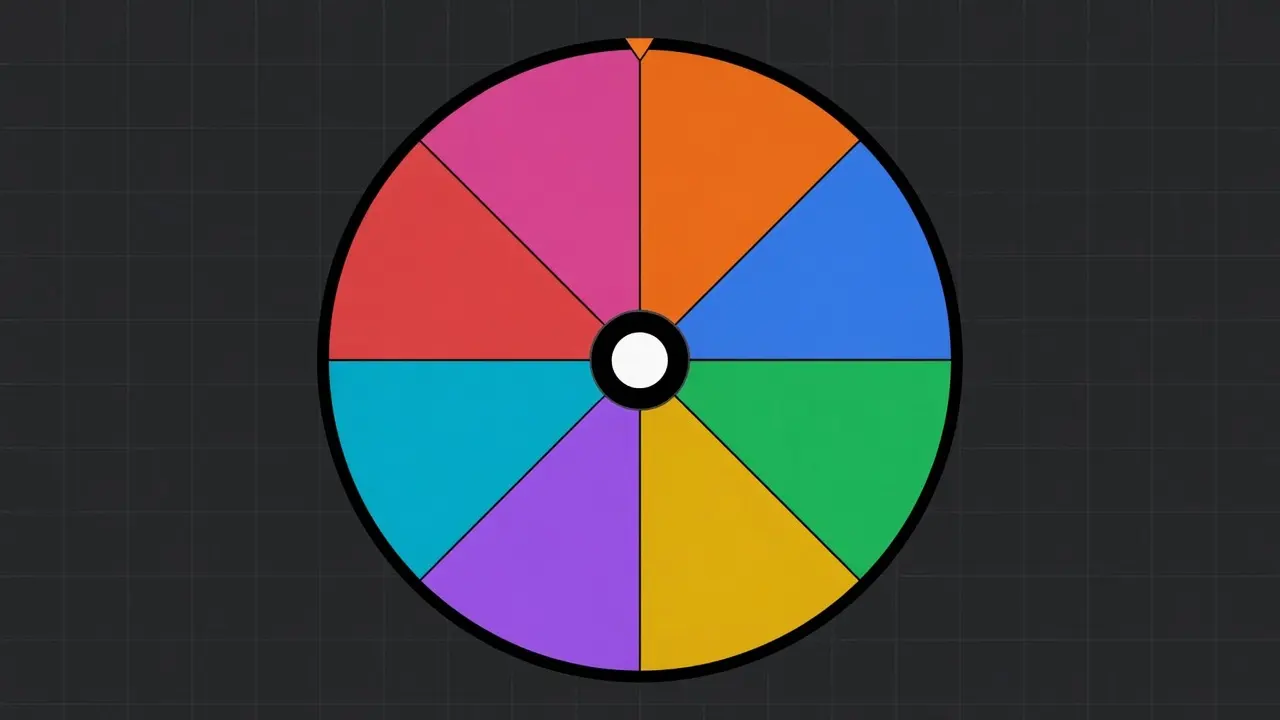
Every name starts with the same slice size, so the chance is the same. The winner is picked in your browser first, then the wheel turns to that slice. Watching it spin does not change who already won.
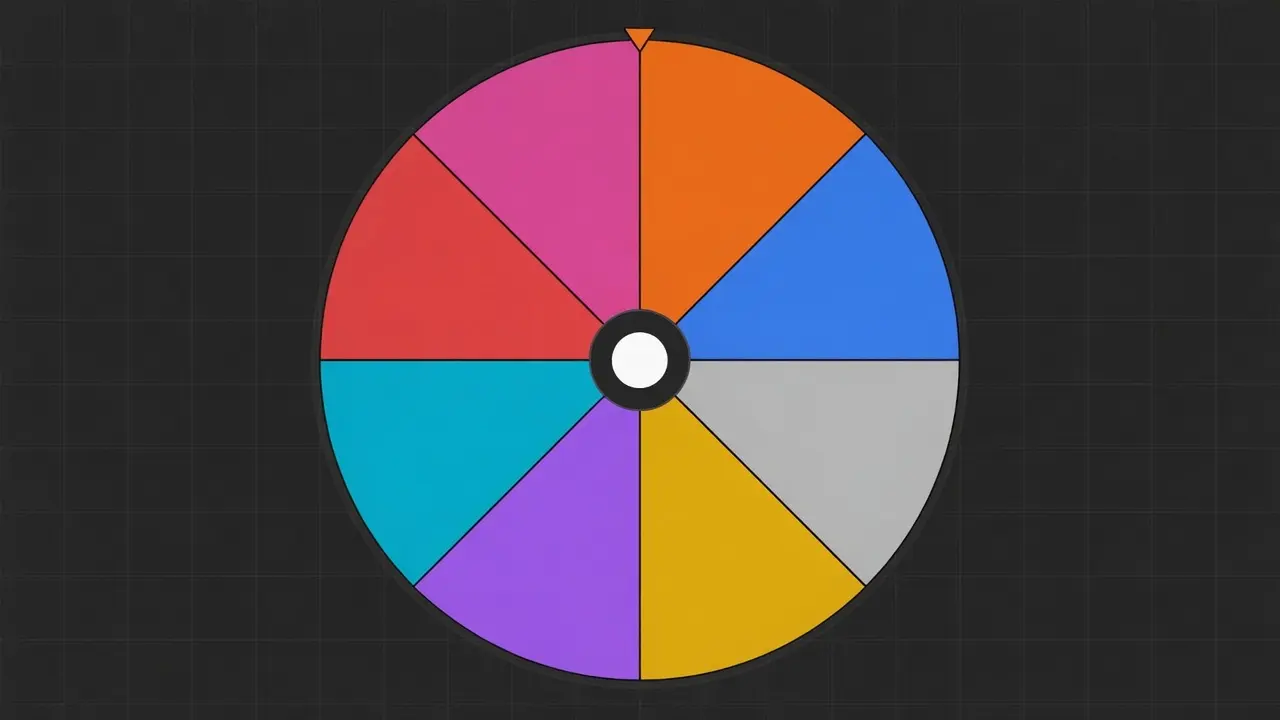
Change colors and sounds for a class or a stream. Open Advanced to give someone a bigger slice, or put a picture on a slice. Leave every weight at 1 if you want a fair draw.
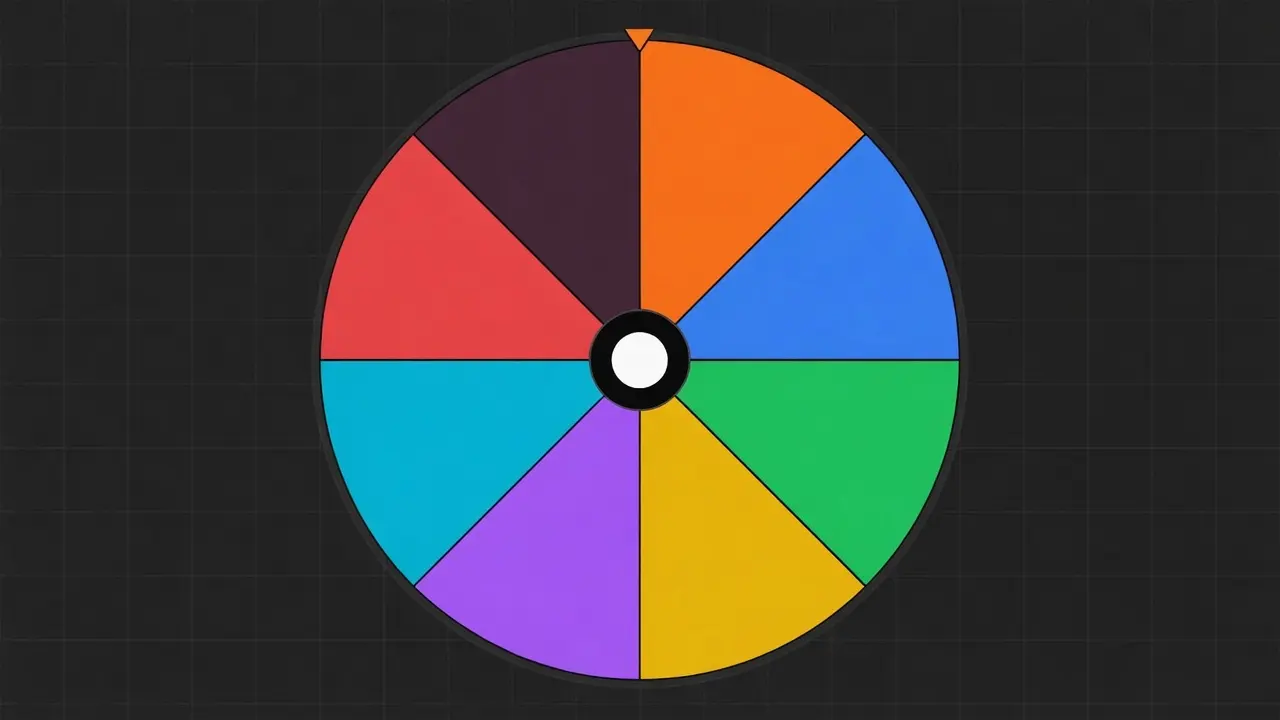
After a result, you can drop that name so the next spin only uses who is left. That is how you pick first, second, and third without the same person winning twice.
Refresh and the list is still on this device. Send a share link if someone else should open the same wheel. Sign in only if you want it in your account or in the gallery.
A spinning wheel looks like it could stop anywhere, so people ask if it is rigged. The winner is already chosen when you click. The spin is only there so everyone can watch.
The moment you click, your browser picks one name. Only then does the wheel turn to that slice. Slowing it down or changing colors does not pick someone else.
Your browser makes a secure random choice here, on your phone or computer. Our server does not choose the winner.
If every name is the same size, eight people each have a one-in-eight chance. Hide a name and that person cannot win. Make a slice bigger in Advanced, and that person is more likely to win.
The same name can win twice in a row. That is a fair wheel, not a bug. Use Remove winner if you do not want repeats.
If you are choosing alone, any random pick is enough. If a class, a live chat, or a dinner table has to trust the result, they need to see the slices before you spin and the name after it stops. Teachers, streamers, and small giveaways use a spin the wheel for that reason: everyone watches the same draw.
Short names are easier to read on the wheel. For a long ticket code or email, put a short label on the slice and keep the full list in the box so people can still check it.
For first, second, and third, spin, remove that winner, then spin again. Wait until the result appears before you change the list.
Refresh keeps the list on this device. A classroom computer will not send it to your phone. Use a share link, save it to your account, or paste the list again.
With hundreds of names the text on the wheel gets small, so read the winner card. The pick is still fair.
Spinning does not upload the list. Names and results stay in this browser unless you sign in and save or publish a wheel. You can pick a winner without an account. Clear this site’s data in the browser if you want the local list gone.