
Visible, honest weighted odds
Weights from 0.1 to 10 (such as "Grand Prize | w=0.5") change both the mathematical chance and the physical arc on screen—never hidden behind equal-looking wedges.
Eight ready-to-spin reward slices—from a half-width Grand Prize | w=0.5 to coupons, mystery boxes, and bonus spins—load instantly on this online Prize Wheel. Adjust odds transparently, run live giveaways, and spin in your browser with zero paywalls or login.
A Prize Wheel is a free online prize spinner where every slice holds a reward, coupon, or fun perk instead of a contestant name. Unlike a name raffle that picks who wins, a Prize Wheel decides what prize the winner takes home—making it ideal for live stream giveaways, trade show booths, craft fairs, retail pop-ups, party games, and classroom reward days.
One common complaint about digital prize wheels in apps and promo pop-ups is hidden rigging—showing equal-sized wedges on screen while secretly giving the jackpot a 1% chance. On this Prize Wheel, every weight is visually honest: the preloaded "Grand Prize | w=0.5" slice is half as wide as each standard reward, so your audience sees the exact odds before you press Spin.
Out of the box, the 8 starter prizes carry a total weight of 7.5: the Grand Prize holds a transparent 6.67% chance (0.5 / 7.5), while each of the other 7 standard rewards holds 13.33% (1 / 7.5). Replace the text with your own gift cards, Twitch channel redemptions, sticker packs, or classroom perks in seconds—no signup, no paywall, and no cluttered overlays.
Because this Prize Wheel runs as a fast browser spinner rather than an e-commerce marketing plugin, it does not collect visitor emails, integrate directly with Twitch chat commands, or track physical prize inventory counts automatically. When a limited physical prize runs out, tick automatic winner removal in Customize or delete that line in one click.
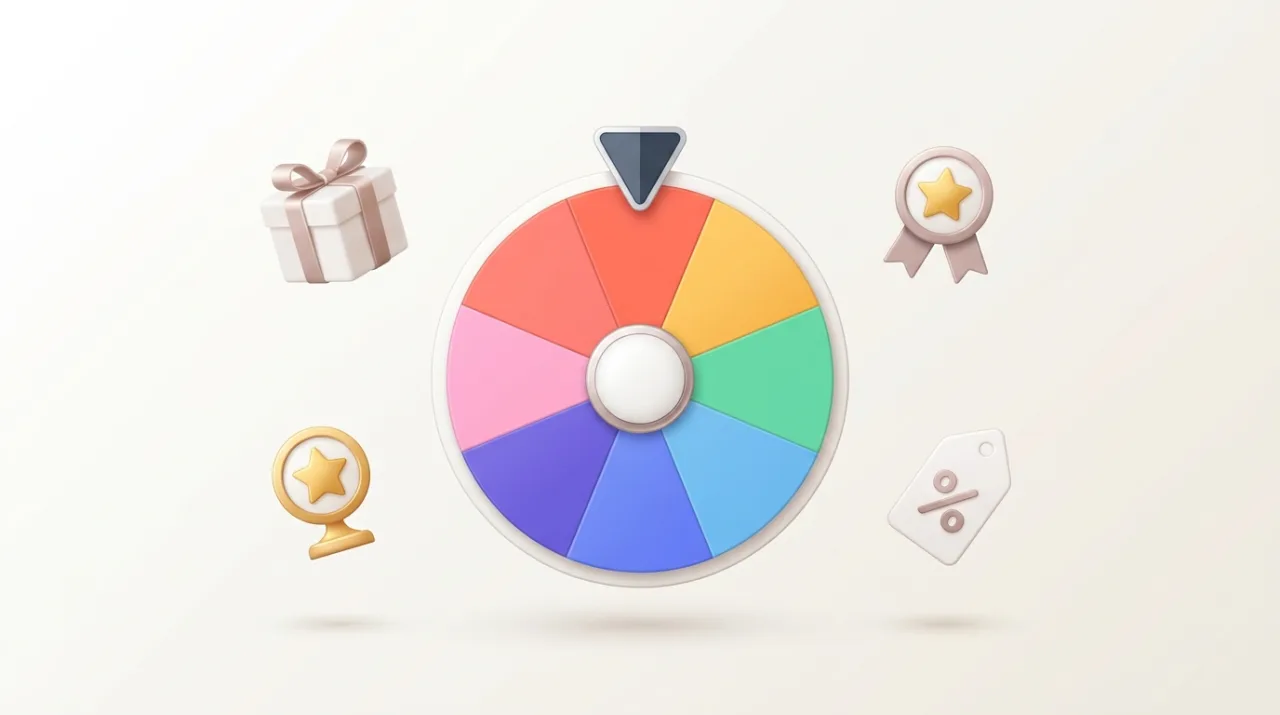
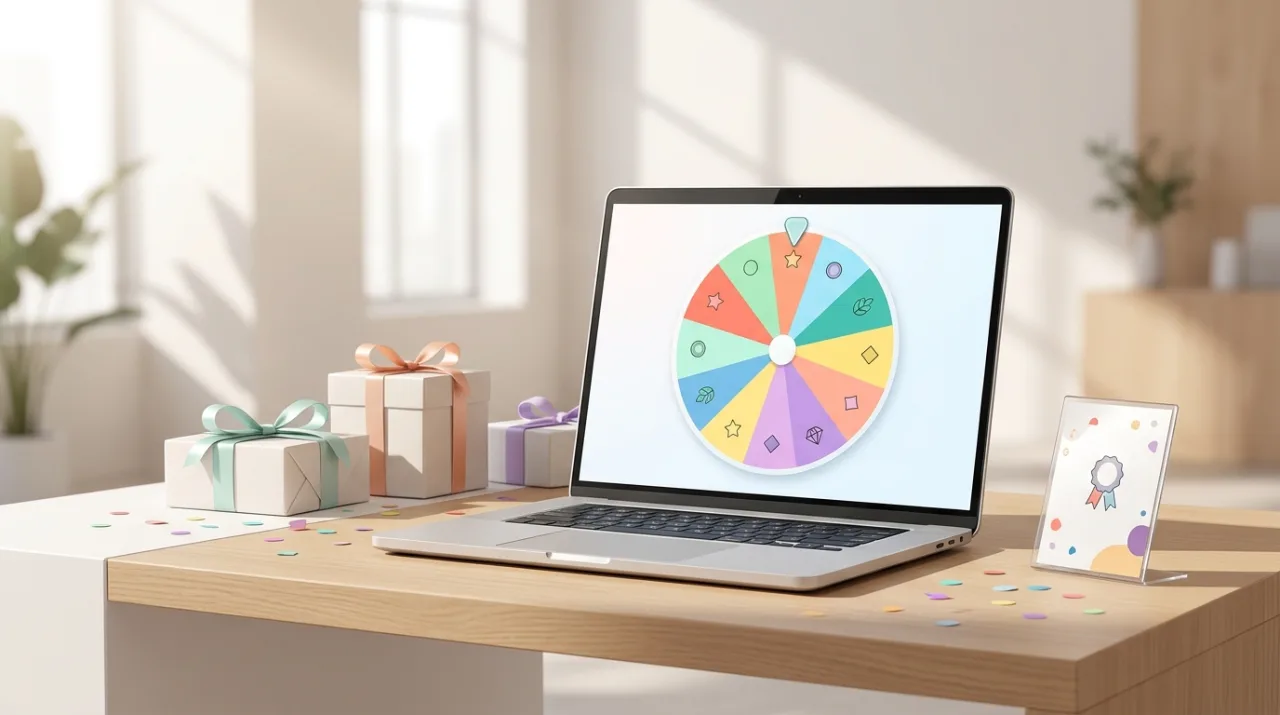
Review the 8 preloaded prize slices in the entries box or paste your own rewards—one prize per line. Append " | w=0.5" for rarer jackpots or " | w=2" for common giveaways so slice widths match real odds.
If each physical prize or gift code can only be won once, open Customize → After the spin and tick "Remove the winner from the list automatically" so claimed prizes drop off the Prize Wheel immediately.
Click the Prize Wheel, press Spin, or hit fullscreen for an iPad booth, classroom projector, or OBS stream window capture. Wait 5 seconds (adjustable from 1 to 60 seconds in Customize) for the winner banner to reveal the reward.
Award the prize, then spin again for the next guest or check the History panel to verify every prize already handed out during your event.
Streamers, small business owners, and teachers often abandon online prize wheel tools because they hide basic weighting behind subscriptions, clutter the screen with ads, or make viewers suspect the spin is rigged. A clean Prize Wheel with proportional slice sizes solves trust and speed at the same time.
When viewers watch a live giveaway on Twitch, YouTube, Whatnot, or at a local craft fair table, transparency matters. Every spin on this Prize Wheel uses crypto.getRandomValues inside the browser before the animation runs, and every weight changes the drawn angle directly—so a narrower jackpot slice never misleads your crowd.
Your custom Prize Wheel list saves locally in your browser without overwriting your home wheel or other gallery spinners. You can store separate wheels in My wheels—such as "Trade Show Booth," "Stream Sub Goals," and "Friday Class Rewards"—and switch between them in one click.
Every spin selects a winner using cryptographic browser randomness, and any weighted prize slice visibly shrinks or widens to match its true probability.
Weights from 0.1 to 10 (such as "Grand Prize | w=0.5") change both the mathematical chance and the physical arc on screen—never hidden behind equal-looking wedges.
Each turn calls window.crypto.getRandomValues before rotation begins, preventing predictable patterns, seeded loops, or spin-speed bias.
The History panel logs up to 100 consecutive prize draws in order so hosts, moderators, and booth staff can verify payouts anytime.
From Twitch channel point wheels and craft fair booths to office parties and classroom incentives, one Prize Wheel adapts to any reward pool.
Capture the fullscreen Prize Wheel as a clean browser window in OBS for Twitch, YouTube, or TikTok Live—with zero paywalls or login banners.
Run the Prize Wheel on a tablet at your booth so shoppers spin for stickers, 10% off coupons, tote bags, or a rare Grand Prize—even offline if venue Wi-Fi drops.
Click Add wheel to place a contestant Raffle Wheel beside your Prize Wheel: spin the first wheel to pick who wins, then spin the Prize Wheel to reveal what they win.
Load free homework passes, extra recess minutes, sticker picks, and seat choices so students celebrate earned milestones on the smartboard.
Put coffee gift cards, early Friday sign-off, desk swag, and lunch vouchers on the wheel for holiday parties and sprint celebrations.
Mix viewer perks like VIP badges, game picks, or silly stream dares onto a single weighted Prize Wheel to keep chat engaged.
Customizing your Prize Wheel takes seconds in the entries box. Type or paste any reward list—one item per line—and optionally add " | w=number" (from 0.1 to 10) to tune rare jackpots or frequent consolation prizes. Want equal odds across every reward? Just remove "| w=0.5" from the first line.
Inside Customize, pick from 8 color palettes, set custom slice colors, upload small icons via Add images, adjust spin duration from 1 to 60 seconds, toggle tick and celebration sounds, or enable automatic winner removal for one-of-a-kind prizes. Toggle Hide editor when projecting on a booth tablet or stream.
Click Share to generate a URL-hash link carrying your exact Prize Wheel slices, weights, and theme for co-hosts or moderators, or sign in to save a cloud share link.