
Meals
How to make a what-to-eat wheel from meals you will actually cook
Start from a dinner list, then replace it with meals you will really cook or order. The wheel stays in your browser. It is not a restaurant finder.
A dinner wheel fails in one specific way. The slice that wins is a meal nobody in the room will eat, so someone says "spin again" and the wheel was never a decision. The fix is not a longer list of foods. The fix is a shorter list of meals you will actually cook or order tonight, agreed before the first spin.
Spin Wheel Box does not have a separate restaurant page. Dinner is a list on the home wheel. This guide shows how to open the starter, replace it, and stop the argument. It also says what the wheel will not look up for you.
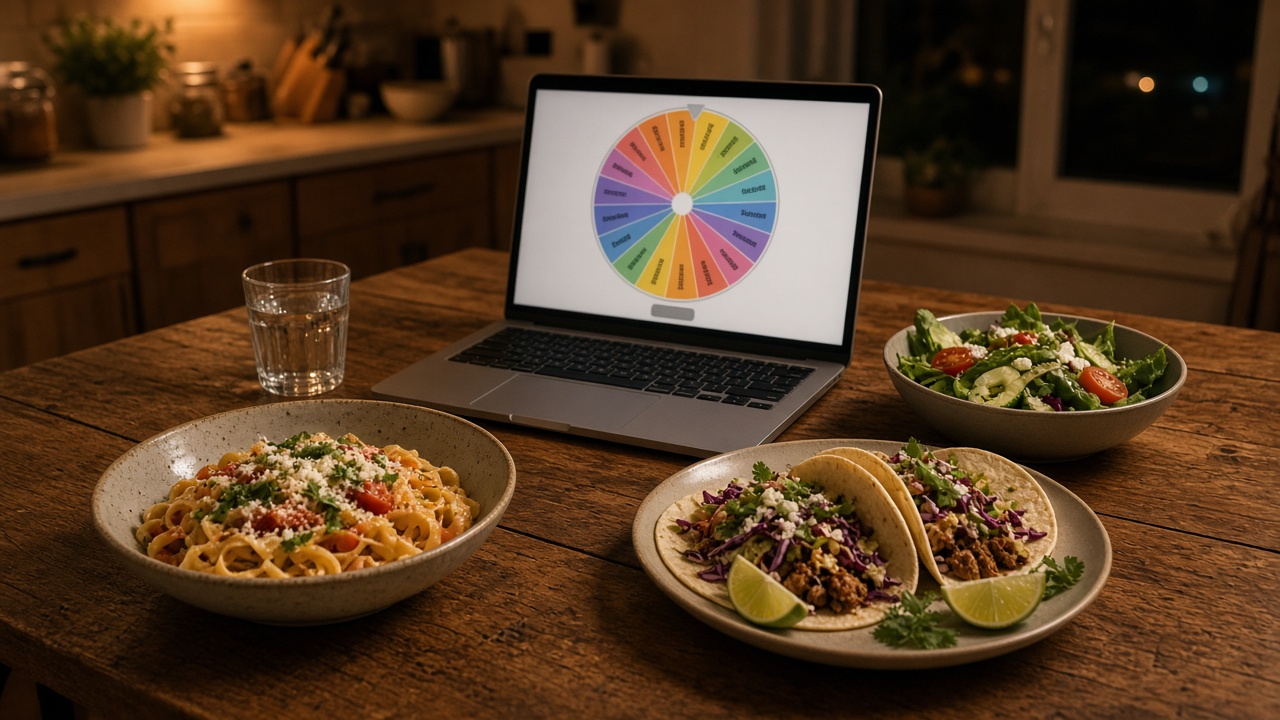
The food on the table is real food. The wheel on the laptop is only a picture of a wheel. Do not try to read the slices in that photo. The starter you will actually get in the product is written below, and you should replace it.
A dinner wheel only works if you will eat the result
The useful rule is small. Everyone who is eating can see the list. Everyone agrees that the landing slice is dinner, or you agree one respin before you start. A respin you invent after you dislike the result is just the argument again.
Leave out anything you will refuse. If nobody will cook sushi on a Tuesday, sushi is not a fair slice. It is a way to force another spin. A fantasy list feels generous and then wastes the draw.
The starter exists so the wheel is not empty. In English it is eight familiar meals:
Pizza, Sushi, Tacos, Burgers, Pasta, Curry, Salad, Ramen.
That is a debate starter, not a menu, and not a claim about what is near you. If you would not eat three of those tonight, delete three of them before you spin.
Open the starter list and replace it
- Open the starter: What should we eat?. The home wheel loads a tab titled What should we eat? The eight meals above are the English list. The address then drops the
?t=part, so a refresh does not stack another copy. - If the home wheel was still the untouched sample, or empty, this replaces that tab. If you had already typed your own list, it opens another tab instead, so your previous list stays. You can keep up to twelve wheels. Only one spins at a time. If you are already at twelve, the starter replaces the wheel you are looking at. Move off a tab you care about before you open the link.
- Select the box and replace the eight meals with tonight's real options. One meal or one place per line. The hint under the box says the same thing: one name or option per line.
- Read the Entries number. Two is enough to spin. One is not. If the room can only agree on a single restaurant, you do not need a wheel.
- Say the rule, then click the wheel. Read the winner card. That meal is dinner.
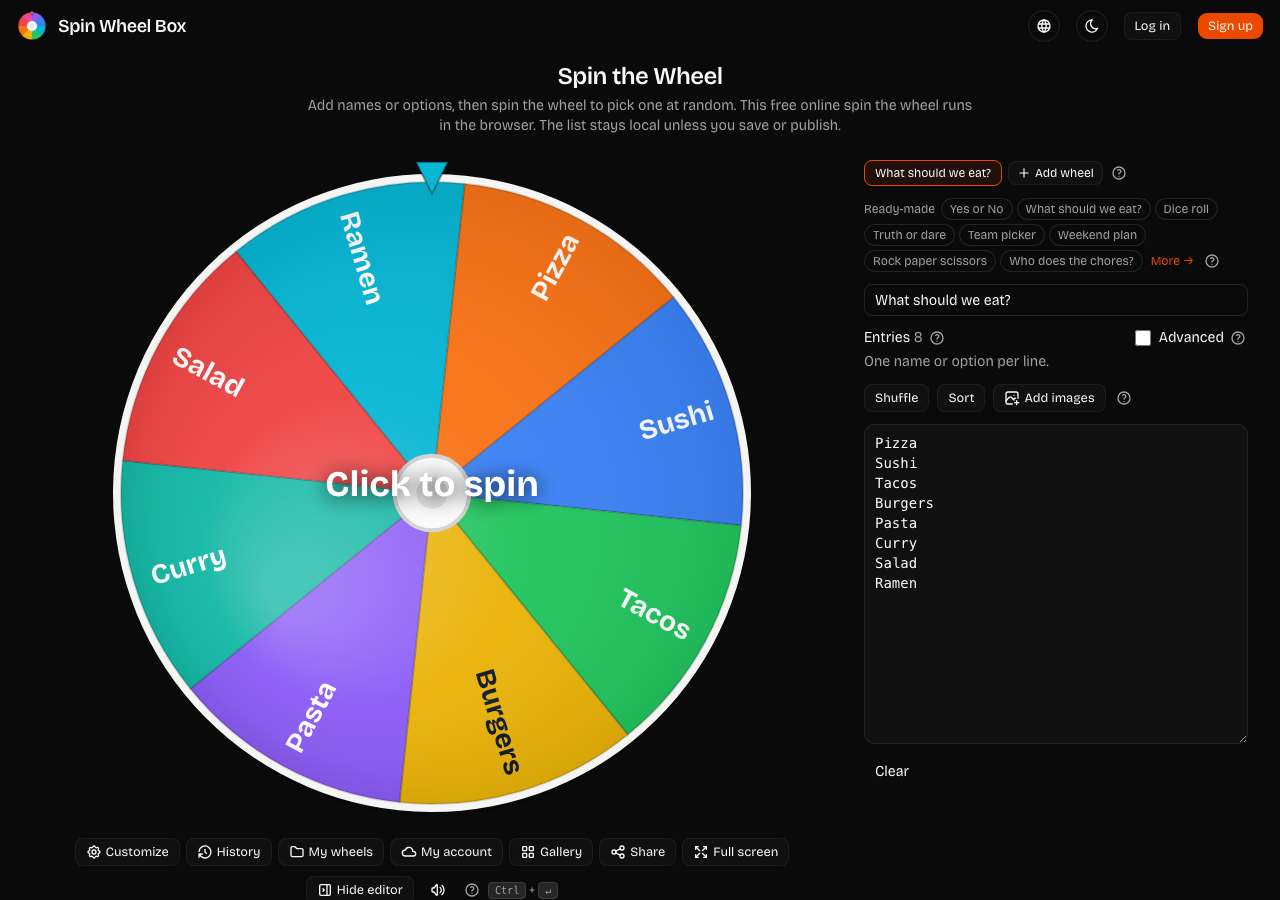
That is the starter before you edit it. Entries says 8. The tab name is What should we eat? Replace those eight lines with meals you will actually accept tonight. The picture above this one is only a kitchen scene. This one is the wheel itself.
Open What should we eat? to load this list.
The home wheel does not remove the winner. Tomorrow's spin can land on the same meal. That is what you want for a standing list of favorites. It is the wrong behavior if you are trying to eat something different every night this week.
| Goal | What to do after it lands |
|---|---|
| Keep a standing list of meals you like | Do nothing. The line stays. Spin again another night. |
| Eat seven different dinners | Open Customize and tick Remove the winner from the list automatically, or press Remove winner on the card. |
| Skip it tonight but keep it for next week | Press Hide from wheel. Later, Unhide puts the hidden meals back. |
| Someone cannot eat that dish | Delete the line before the spin. A smaller weight can still land on it. |
Remove winner and Hide from wheel show on the winner card because automatic removal is off. They disappear if you turn automatic removal on, because the line then leaves by itself. Hide from wheel does not delete the meal. The line stays in the box, marked hidden, until you unhide it.
While the wheel is moving, the editor is locked. Change the list before you click.
Lists that survive a weeknight
A long catalog of cuisines looks helpful and then loses. Write the constraint first, then the meals that fit it. These are examples to replace, not dishes the site recommends or can find near you.
A 30-minute night, cooked at home:
- Fried rice
- Eggs and toast
- Quesadillas
- Soup you already have
- Sandwiches
Takeout, using places you already order from:
- The pizza place on your street
- The noodle shop you walked to last week
- The one taco counter that is still open
Write the real names. "Restaurants near me" is not a line the wheel can resolve.
A table with children, if the goal is to avoid a fight:
- Pasta
- Rice and chicken
- Tacos
- Breakfast-for-dinner
Four lines that everyone will eat beat twelve lines that restart the debate.
Leftovers and the fridge:
- Finish the soup
- Finish the rice
- Omelet
- Whatever is in the freezer
Breakfast and lunch use the same wheel and a different list. Add another tab. There is no separate breakfast tool and no lunch tool. A week of dinners can be seven lines, with removal turned on, spun once a day until the box is down to one meal. When one meal is left, the wheel will not spin. That last line is the last night. Cook it, then paste a new week.
Two stages work better than one giant wheel when the room is stuck between "cook" and "go out". First wheel: Cook, Order. Second wheel: only the meals or places that match the first answer. You can do the first question on the Yes or No Wheel if the question really is a yes or a no. That page is four Yes slices and four No slices, and it does not remove the winner. Each spin is a fresh 50/50. It is not the dinner list. The small Yes or No template on the home page is a different mix, with an "Ask again" slice. Use the yes-or-no page when you want an even split and nothing else.
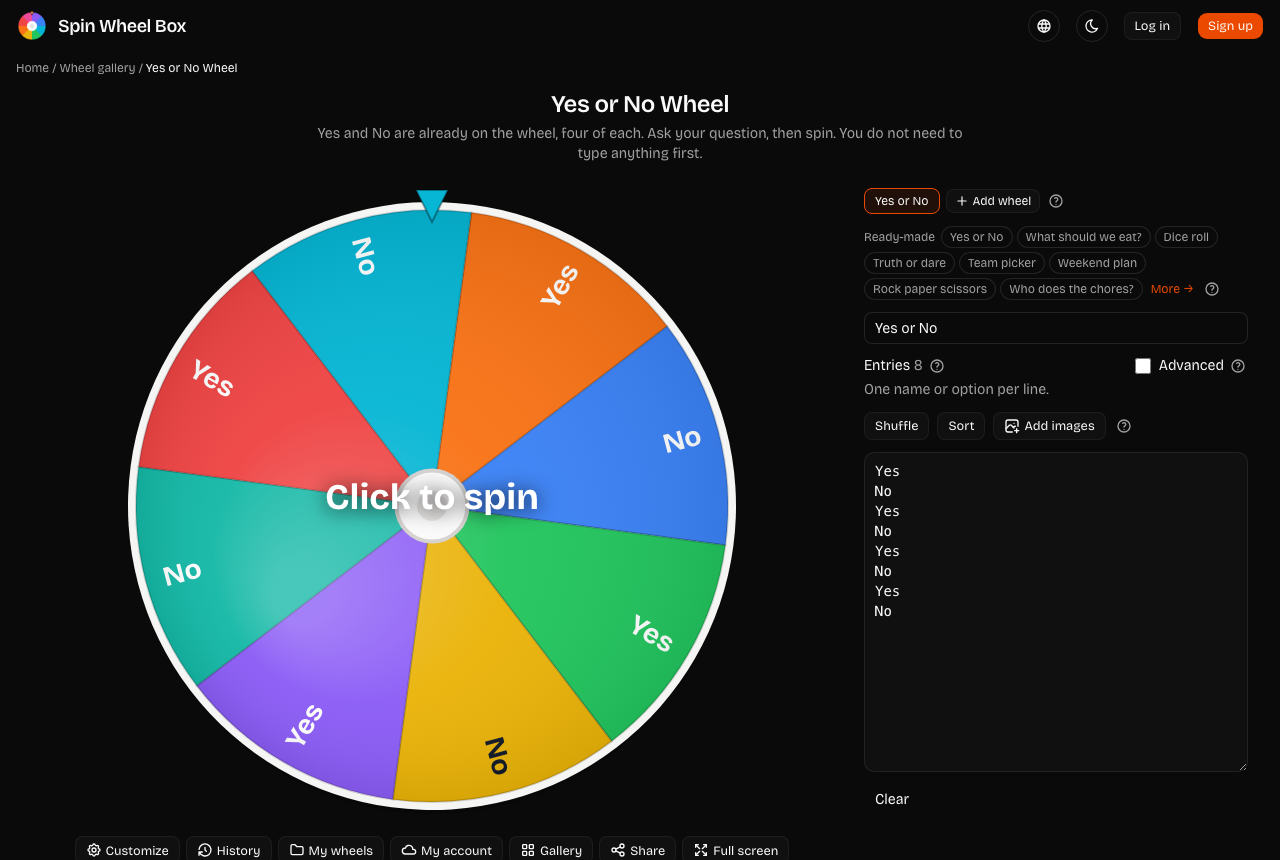
Open the Yes or No Wheel for that question. It does not pick a meal.
Weights, only when a preference is announced
Equal slices are the fair version of "we cannot decide". Leave them equal unless the room has a real preference.
Deleting a meal is cleaner than shrinking it. If one person cannot eat cilantro, a cilantro dish should not be a thin slice that might still win. Delete it.
A weight is for "we like this, but not as much". In Advanced, the field is Chance weight. In the box, half as likely looks like Salad | w=0.5. Twice as likely looks like Pasta | w=2. The number is clamped between 0.1 and 10. The slice changes size, so the room can see the preference before you spin. Say it. A weight nobody noticed is how a fair wheel starts to feel rigged.
Display duplicates is on by default. Two lines that both say Pizza are two slices. That is a clumsy way to show a preference. A weight on one line is easier to see. Turn duplicates off only if you pasted the same meal twice by mistake and want one slice.
Colors, spin time, and sound are in Customize. They change the show, not the odds. Confetti does not make pasta more likely.
What this page will not decide for you
It will not find restaurants near you, read a map link, or open a menu URL. Paste the place's name if that place is an option. A Google Maps link in the box is one ugly slice, not a search.
It will not plan nutrition, calories, or a medical diet. If someone has an allergy, the safe meals are the ones you typed. The wheel does not know the ingredients.
It will not invent a cuisine, a recipe, or a grocery list. It picks one line. It is not a food generator and it is not a fortune wheel. A wheel of cheese is a different question. This one picks text.
It does not know your city. Lists written for someone else's neighborhood will lie. The English starter is eight common words for that reason. They are easy to delete.
The list stays in this browser. Opening the page does not upload what you feel like eating. You do not need an account, an app, or an extension. Share copies a link to the current list if you want the other people at the table to open the same wheel. Anyone with the link can see the lines. Dinner is rarely private. A class roster is. Do not reuse a shared dinner link for names that should stay off the internet. That limit is spelled out in the classroom guide.
History on the home wheel is separate from the classroom page and the raffle page. History opens Past results, newest at the top, last 100 spins, stored on this device. It is a useful reminder of what you ate the last three nights. It is not a food diary that follows you to another computer.
Questions people ask a dinner wheel
Do I need an app?
No. Use the browser. The phone spins from the center of the wheel. There is no extension to install.
What should we eat for dinner tonight?
Type the meals or places you would actually accept tonight, at least two, and spin. If the starter is still full of foods you will not cook, replace it first. The landing slice is the answer only if you agreed to follow it.
Where should we eat, or what is near me?
Type the places you mean. The wheel does not search maps and does not know what is open. "Near me" as a line will never become a restaurant.
What about breakfast or lunch?
Same steps, a different list. Add a wheel tab so dinner stays intact.
Can we make one favorite more likely?
Yes. Set Chance weight in Advanced, or type Pasta | w=2. Show the slice to the room before you spin. If someone cannot eat an option, delete it instead of making it rare.
Will the same meal win every night?
It can, because the home wheel keeps the winner. Turn on Remove the winner from the list automatically if this week's rule is no repeats. Paste the list again when the week should reset. With one line left, the wheel will not spin. That last meal is the last night.
Can I share the wheel with the people I am eating with?
Yes. Share copies a link to the current list. They see the same meals. They do not see your other wheels.
A prize draw is a different rule. The winner has to leave. That is draw raffle winners one at a time.
The wheels in this guide:
- What should we eat? opens the eight-meal starter on the home wheel.
- Yes or No Wheel answers a yes-or-no question and leaves both answers on the wheel.