
Zero mood bias or endless scrolling
With 10 unweighted entries, every game or genre gets an exact 10% slice so overlooked gems have the same shot as your usual favorites.
Tired of scrolling your Steam library or board game shelf for 30 minutes and playing nothing? Spin this Random Game Picker Wheel with 10 ready-made game moods, or paste 8 to 20 titles from your backlog to lock in what game to play next.
A Random Game Picker Wheel is a free online "what game to play" spinner built to cure gamer choice paralysis. It loads with 10 distinct play-style slices—Short Indie Story, Co-op Multiplayer, Open-World RPG, Roguelike Run, Cozy Sim Game, Strategy & Tactics, Retro Classic, Puzzle Platformer, Horror Survival, and Board Game Night—so you can spin for tonight’s genre immediately or paste your own shortlist of specific games.
Gamers on Steam, Steam Deck, PlayStation, Xbox, Nintendo Switch, Roblox, and tabletop shelves often complain that dumping 300 unplayed titles onto a randomizer still causes overwhelm. A focused Random Game Picker Wheel works best when you paste a curated shortlist of 8 to 20 games you genuinely want to play next, press Spin, and commit to launching the winner.
Starter slices stay on the wheel by default so you can reroll genres or run a quick 3-spin trial—a popular backlog trick where you spin three times, install those three finalists, try each for an hour, and stick with the one that hooks you. When clearing a backlog one finished game at a time, turn on automatic winner removal in Customize so beaten games drop off your list.
Because this Random Game Picker Wheel is a lightweight, privacy-friendly text spinner, it does not connect to your Steam, Xbox, or PlayStation account, scrape your library automatically, or filter by HowLongToBeat hours. You never hand over account logins—just paste the exact titles you want to choose between, one game per line.
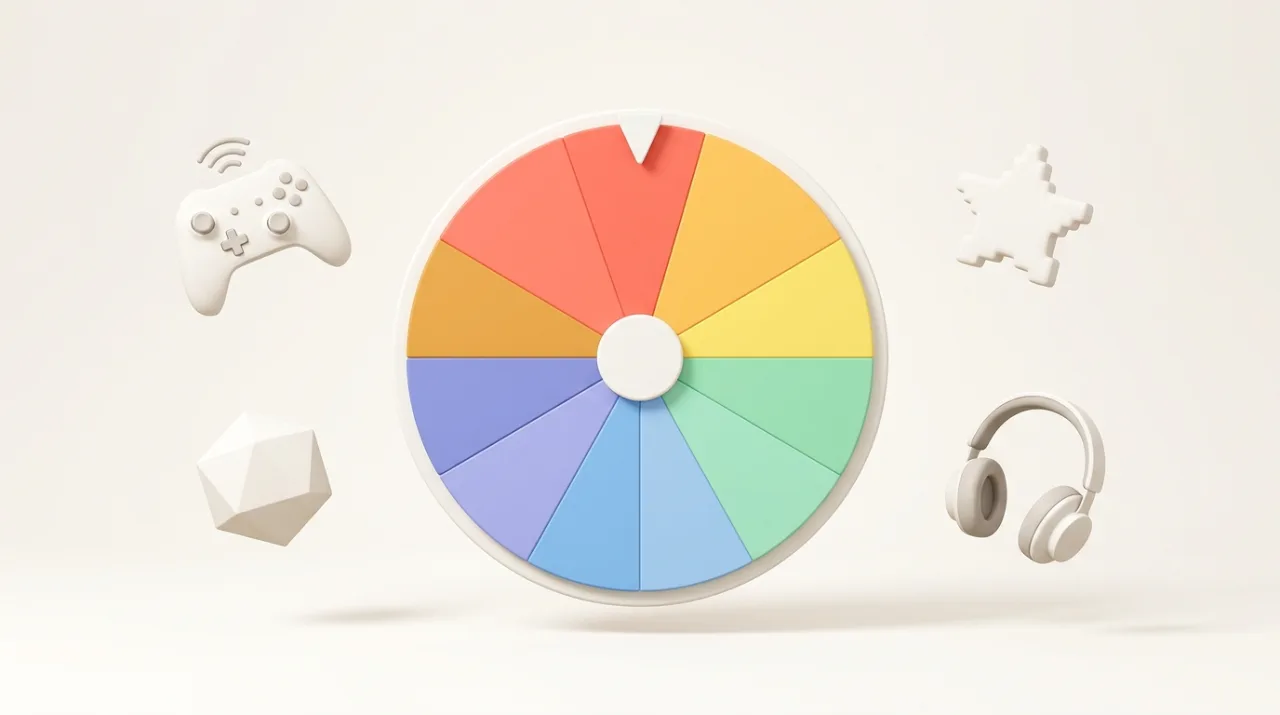

Spin the 10 preloaded game genres to set tonight’s vibe, or replace them with 8 to 20 specific titles from your Steam backlog, Switch library, Roblox favorites, or board game shelf—one title per line.
Optional backlog pro tip: give shorter 5-hour indie games higher odds with " | w=2" so massive 100-hour RPGs do not dominate your week, or leave every title unweighted for equal chances.
Click the Random Game Picker Wheel or press Spin. Wait 5 seconds (or dial spin time down to 1–2 seconds in Customize) until the winner banner reveals what to play next.
Launch the winning game right away—or spin 3 times to pick three trial finalists. When working through a backlog without repeats, enable automatic winner removal in Customize → After the spin.
Anyone with a big Steam sale backlog or a crowded board game closet knows the feeling: you sit down with two free hours, scroll through cover art for 40 minutes, feel tired, and end up replaying the same comfort game—or watching videos instead. Handing the decision to a Random Game Picker Wheel breaks that loop in five seconds.
It also cures completionist pressure. Instead of feeling locked into playing your library in strict order, paste 10 games across different genres—one short story game, one roguelike, one co-op pick, one retro classic—and let the spinner rotate your mood so you never burn out on back-to-back 80-hour RPGs.
Everything saves locally in your browser without overwriting your other wheels. Use My wheels to keep separate lists ready at any time: "Steam Deck Short Games," "Friday Co-op Squad," "Board Game Night," and "Unplayed Backlog."
Every game on your wheel gets an equal slice by default and is picked using your browser’s cryptographic random generator before the spin begins.
With 10 unweighted entries, every game or genre gets an exact 10% slice so overlooked gems have the same shot as your usual favorites.
Each spin uses crypto.getRandomValues inside your browser before animation starts, guaranteeing genuine randomness on every roll.
Want a newly bought game or quick indie title to appear twice as often? Add " | w=2" (from 0.1 to 10) to widen its slice openly.
Whether you play solo on PC and Steam Deck, jump into Discord co-op, or unpack board games around the table, one wheel settles what to play.
Paste 10 to 20 unplayed games from your Steam, PlayStation, Xbox, or Switch library, turn on auto-remove as you finish each one, and shrink your backlog steadily.
Spin three times to draft three backlog finalists, play each for 60 minutes, and keep playing whichever one grabs you—no guilt about dropping the other two.
End the 20-minute "what should we play?" voice-chat debate by pasting everyone’s installed multiplayer games and sharing your screen for one decisive spin.
Type the 6 to 12 board games that fit tonight’s player count and time limit so your table starts setting up in under a minute.
Let viewers suggest games, paste the shortlist onto a fullscreen Random Game Picker Wheel, and spin live on stream.
Load mini-games, Mario Kart cups, or party titles onto the wheel so friends rotate fresh games all evening without arguments.
Building your personal Random Game Picker Wheel takes seconds. Paste a plain text list of games—one per line—from Notepad, Backloggd, a spreadsheet, or your Steam favorites. You can even add playtime notes right inside each line (like "Hades (30m run)" or "Firewatch (4h)") so you see the commitment on the winner card.
Inside Customize, pick from 8 color themes, shorten the spin time to 1–3 seconds for rapid-fire picks, toggle sounds and confetti, or turn on automatic winner removal for backlog marathons and tournament drafts. Open History anytime to review up to your last 100 rolled games.
Click Share to send a URL-hash link of your squad’s co-op wheel or board game shelf directly into Discord or a group chat, or save multiple lists locally in My wheels.